WEBD-100 Class Introduction
April 2, 2024 11:55 am Leave your thoughtsWelcome to WEB TECH 1
What will you learn here?
In this course you will learn HTML, CSS, design/development and servers/hosting. You will also learn various programs such as Adobe Dreamweaver (and other associated Adobe products), Visual Studio Code as well as FileZilla. But as much as you will learn these things, you will also develop the mindset of a resourceful developer. To be a developer you must deploy critical thought and the ability to be resourceful. As far as learning to code goes, as any language there is no way you will remember every single piece of code in existence. Just as no person can remember every single word that exists within a language. Instead the understanding of the language or in our case, code & markup is the goal. You will learn to understand the concept of code but as well, learn to be resourceful enough to operate on your own to be able to complete tasks when called upon even if you don’t fully know how to do it. You will also begin to think from a business standpoint within multimedia. In many cases in the field you will have to double as a business person. With that being said, developing a business mind through all of this will give you an advantage to be a competitor in the market. There is no substitute for hands on experience (which you will gain once out in the field) but in this course I will be relating things to actual practical business when delivering lectures from time to time.
What is the internet?

In a nutshell the internet is a network of billions of computers/devices/machines that are all connected to each other. This network is built with a physical infrastructure of fiberoptic cables and in most cases lead to a wireless router and transmitted wirelessly to your device.
What is the web?
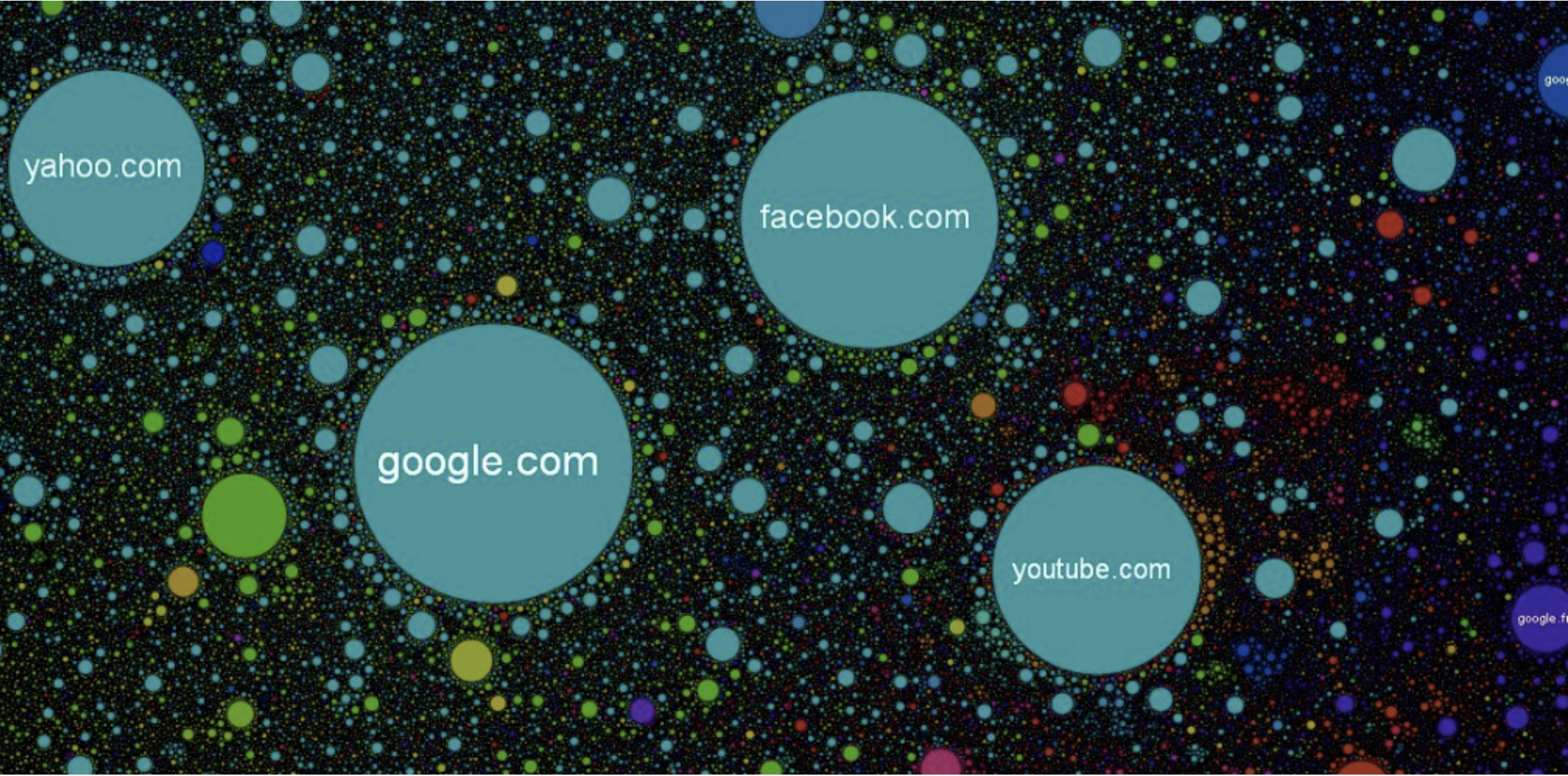
The web is a collection of many websites located on servers. These servers host resources/data/websites which is accessed by users on the client side (you when you look at a website on your device). Search engines IE duckduckgo and google allow users to search for these resources efficiently by indexing these resources. These websites can also link to other sites via hyperlinks thus connecting them in a literal web.
A Brief history of the web
“The WWW project was started to allow high energy physicists to share data, news, and documentation.”
— Tim Berners-Lee (1991)
In the earliest days of the internet, basic communication was achieved by networking 2 or more computers. These computers were located at ARPA, and various universities in the United States of America. This became ARPANET.
1991 – Tim Berners-Lee developed the World Wide Web, doing so by using hypertext to link documents together.
1998 – Google opens its first office in a garage.
2000 – The dot com bubble is growing. New tech companies are launching online business and stock prices for these companies are soaring, reaching their peak before crashing.
Presently – there are 1.5 billion websites online. Everyone is connected nearly the world over. Countries that missed past tech like the basic telephone, have leap-frogged and can be connected to the internet.
The future – Not only people will be connected, items we use will be connected. This is known as “the internet of things”. This coupled with the age of automation will change the life of humanity as we know it in certain ways.
As far as the code goes…
Web Dev – Circa 1997
<html>
<head>
<title>Bad HTML</title>
</head>
<body bgcolor="green" text="blue">
<table align="center" width="100%" height="100%"><tr align="center" valign="middle"><td>
<h1 onClick="clicked()" align="center" >HTML and Javascript. not good</h1>
<blink> <font size="+2" color="blue">This is really bad </font></blink>
</td><td><img src="imageSpacer.gif" width="500px" height="500px" />
</td></tr>
<tr><td colspan="2">Tables for layout bad
Really Bad<br /><br /><br /><br /><br /><br />
<br /><br /><br /><br /><br /><br /> REALLY BAD!!!
<pre>
a pre code? what the? what is pre code?
</pre></td></tr>
</tr>
</table>
</body>
</html>Real programmers don’t script.
In the early days of HTML it was a lot more cumbersome, Just look at all the non breaking spaces and <br> tags. Ugh. CSS is a lot better to control this stuff. Note the CSS code in the HTML. Now we use external CSS, all of which we will learn in the coming weeks!
HTML
When I started in development, websites were a lot more clunky and cumbersome. We started with HTML in the 90s, then moved to XHTML in the early 2000s (When I was learning XHTML was the standard) and now we have HTML5.
CSS
CSS has also evolved with CSS 1, 2 and 3. A lot of developers used tables to structure sites. Now we use DIV elements and semantically written elements. CSS has come a long way, from allowing basic styles to be added (colour, spacing, placing, fonts and so on, all the way to running animations in CSS 3 and variables in SASS).
Javascript
Javascript has also evolved. As javascript grew, new tools such as libraries and frameworks such as jQuery became available, these libraries also allow for easy deployment with CDNs.
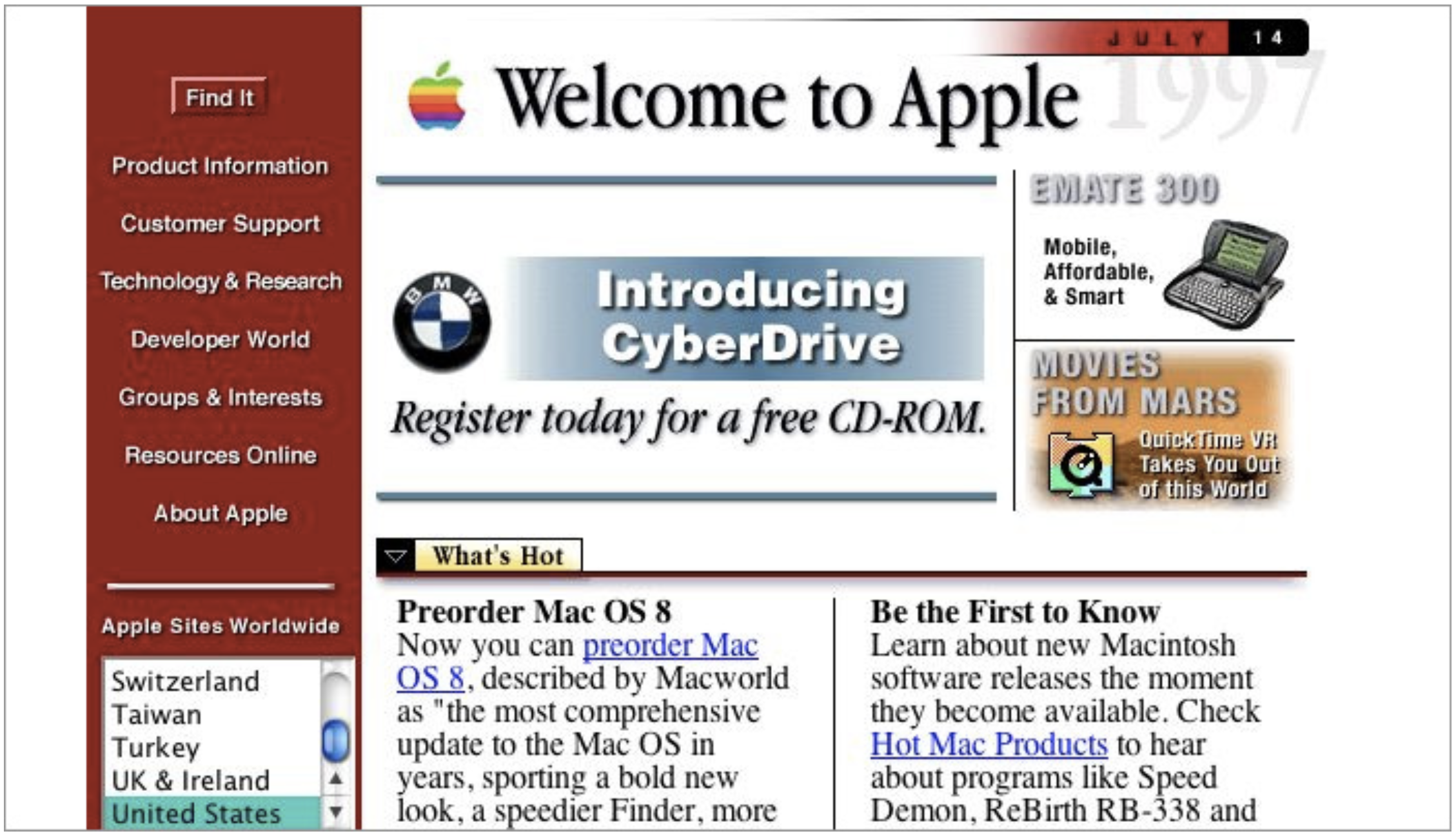
Flash is a thing of the past currently but it was all the rage in the early 2000s, people even made full web sites with it. The problem was that search engines could not index its content. It was also not viewable on mobile phones and pretty much boycotted by apple. Its pretty much dead now.
Content Management and frameworks were born around the mid 2000s. Making it easier to develop sites. Examples of this include (but not limited to), Joomla, Drupal, WordPress, phpBB.
The current tech we use today (HTML5, CSS3, Javascript, Frameworks/CMS systems SQL) all make life easier and allow more efficient production in the field. In the modern day of development we are able to create stunning and responsive sites that will change their look on the fly depending on what size screen its being viewed on.
Basics
HTML – What is HTML and what does it do?
HTML is a markup language. It is the structure (such as the elements on the page) and data (such as the text/information on the page that the user will read) of what you will build.
CSS – What is CSS and what does it do?
CSS is a coding language that controls the style, the visuals of the website (colour, font, font size, heights, widths and much more) it also allows for animations.
HTML and CSS go hand in hand, they work together to give the structure of the site and the style of the site in a complete representation that the user (person looking at the website) can read resources (information) easily and efficiently. You, the designer/developer are the one that builds that presentation using markup, code and programming languages that communicate with the computer. This is a translation from machine to human, you are the translator, and in doing this you will utilize both your logical mind, and creative mind.
Host – This is where your web pages will be published for the world to see. It is the very backbone of what we will be doing. Without it, you cannot publish your work online. This is the foundation and the home of your future work.
Some of you may be more creative types and some of you may be more logical types. Some of you will be somewhere in the middle. With this said, IMO it is important for you all to grow to know yourselves well, know your strengths and focus on not only the tasks at hand, but also focus on using the strengths you have. If you end up being more creative, use that path to become more design based in your career path, if you are more logical, do the same with that. Depending on how you think it can lead you down different career paths in this field. Being a coder or designer. Also keep in mind that you can be creative with code. The limits with this stuff are only bound by the limits you give yourself. Keep this in mind as we learn and grow.
Acronyms and Terms
- HTML – Hyper Text Markup Language (Structure of a site)
- XHTML – Extensible Hyper Text Markup Language
- XML – Extensible Markup Language (Carry Data)
- CSS – Cascading Style Sheet (Visuals of a site)
- CMS – Content Management System (Manages both front end and back end)
- SQL – Structured Query Language (database)
- CDN – Content delivery network
- Javascript – A programming language that is used for front end and back end (node.js) aspects of a webapp. Interpreted by the browser.
- PHP – A programming language used to for the back end of a webapp (compiled on the server and does not reveal the code to the front end).
- W3C – World Wide Web Consortium, The main international standards organization for the web
- Responsive – A site that is responsive to the size of screen (or window size) its being viewed on
- Server – A computer that stores hosting space
- Hosting – This is what you rent from server companies in a hosting package you pay for on a monthly or yearly basis
- SEO – Search Engine Optimization (associated with google page rank and how google indexes content on the web)
- URL – Universal Resource Locator (Websites or pages in a site are a resource)
- IP – Internet Protocol
- cPanel – cPanel is what a webmaster or admin will use to execute actions on a hosting account
- WHM – Web Host Manager (Used to manage virtual dedicated and fully dedicated servers)
- FTP – File Transfer Protocol (how you upload/download files to/from a host)
Resources:
- http://www.pewinternet.org/2014/03/11/world-wide-web-timeline/
- https://techterms.com/category/internet
- https://www.internet-map.net/
- https://vscodium.com/
- https://code.visualstudio.com/
- https://www.keepassx.org/
- https://www.w3schools.com/
- https://brave.com/
- https://filezilla-project.org/
Categorised in: Lectures, WEBD 100
This post was written by amax