MMDD 102 – Storyboard to Video
April 7, 2024 7:54 pm Leave your thoughtsFrom Storyboard to Video
Review – Going from static frames to a rendered project
As we started learning in the first storyboard lecture, we can use storyboards to start the creative process before we start working on a video composition.
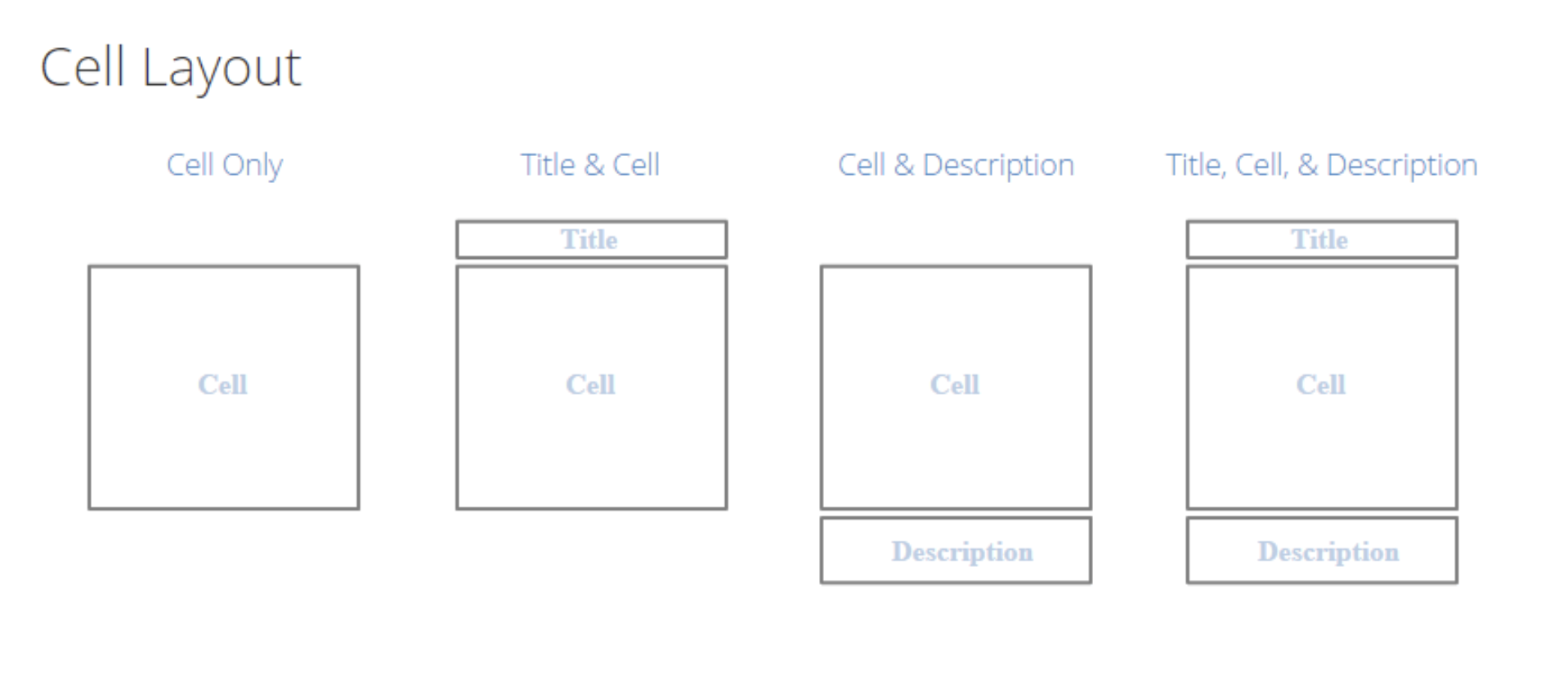
Cell Layout
- Cell Only
- Title & Cell
- Cell & Description
- Title, Cell, & Description
Some things to remember:
Storyboards are used to:
- Organize your thoughts
- Plan
- Sequence
- Tell a story
- Present information
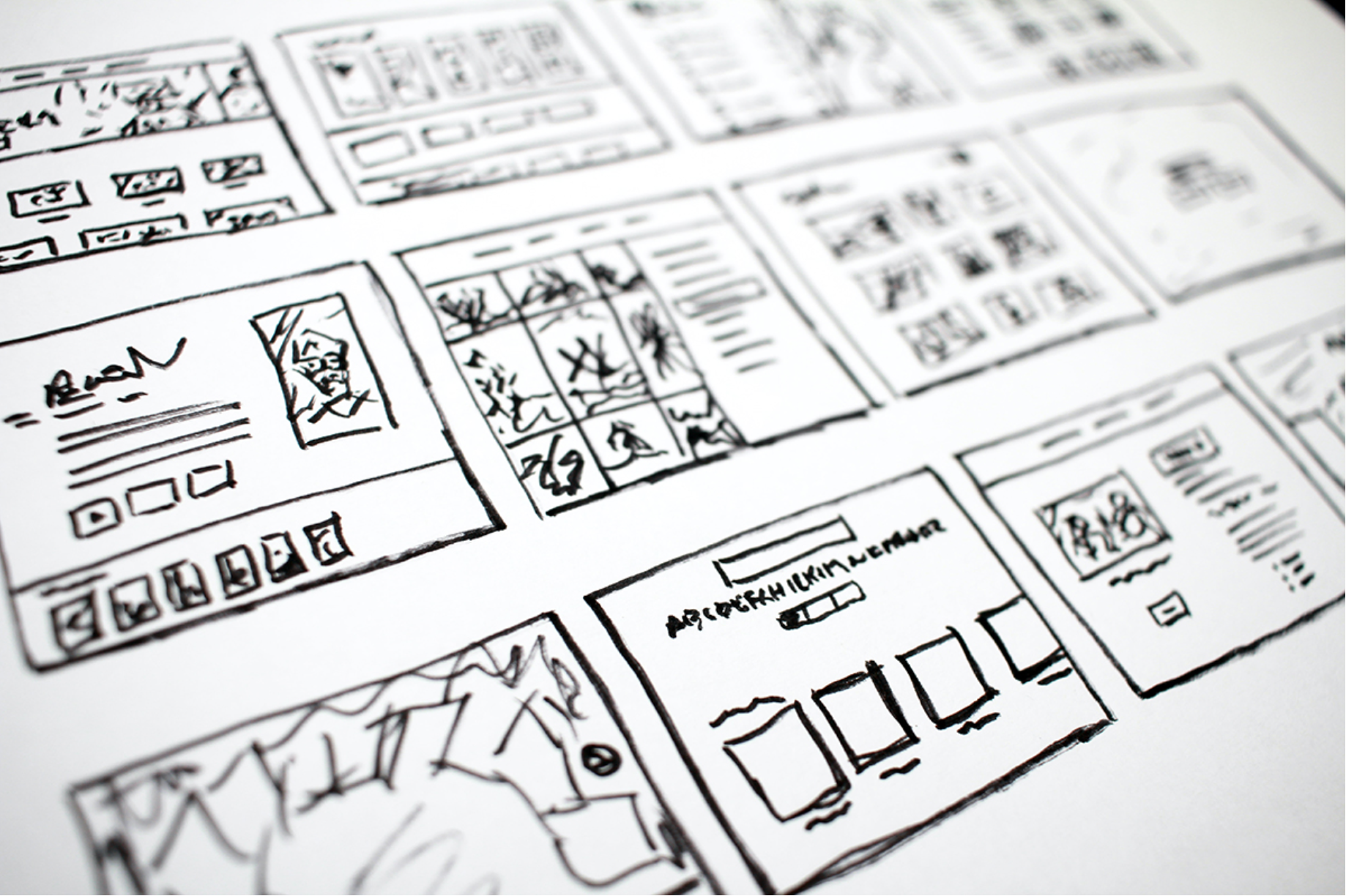
Keep in mind that you can do a storyboard in different ways and depending on how artistic you are you may want to deploy it differently. There are different layouts we can use as well. If you are not as artistic you can use a layout that uses smaller boxes but more heavy on text to explain what is going on in the frame. If you are more artistic you may want to use larger boxes to draw more high quality scenes in the frame.
You also want to consider the aspect ratio of the film when storyboarding.

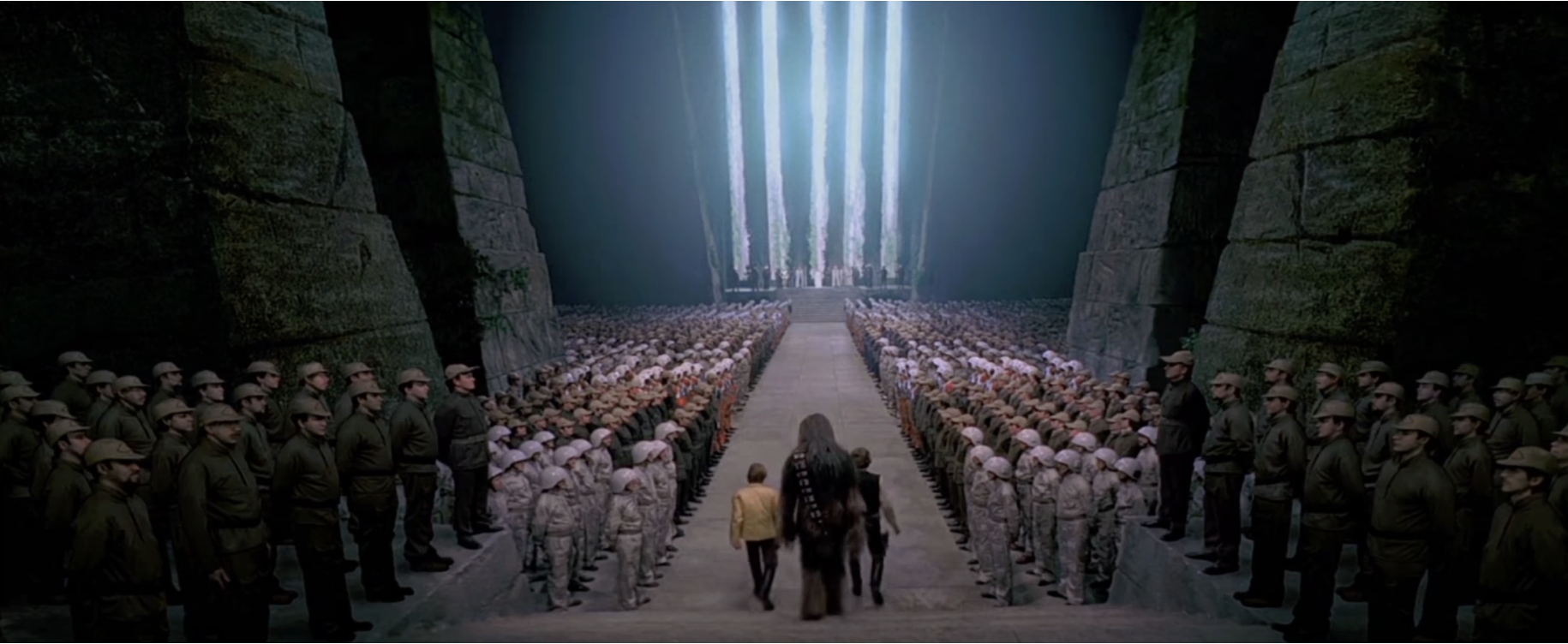
Common Aspect Ratios
- 16:9 (TV and online video)
- 1.85:1 (good for film dramas and comedies)
- 2.39:1 (extra widescreen, good for action epics)
- 1:1 (Square videos, good for Instagram or Facebook)
- 3:2 (35mm digital SLR format)
- 4:3 (non-widescreen TV standard)

Storyboarding can also be done digitally using software. Some are paid and some are free.
https://conceptartempire.com/storyboard-software/
Further Consideration
The storyboard is there to illustrate everything that will be in the shot. Background, mid ground and foreground as well as the characters and where they will be moving/what they will be doing. As well as other things in the background and what those things will be doing. You want to show all of this.
Feel free to use arrows in your illustrations to show where things are moving. The direction someone should be turning for example. Arrows can also be used to show what way a camera is moving/panning.
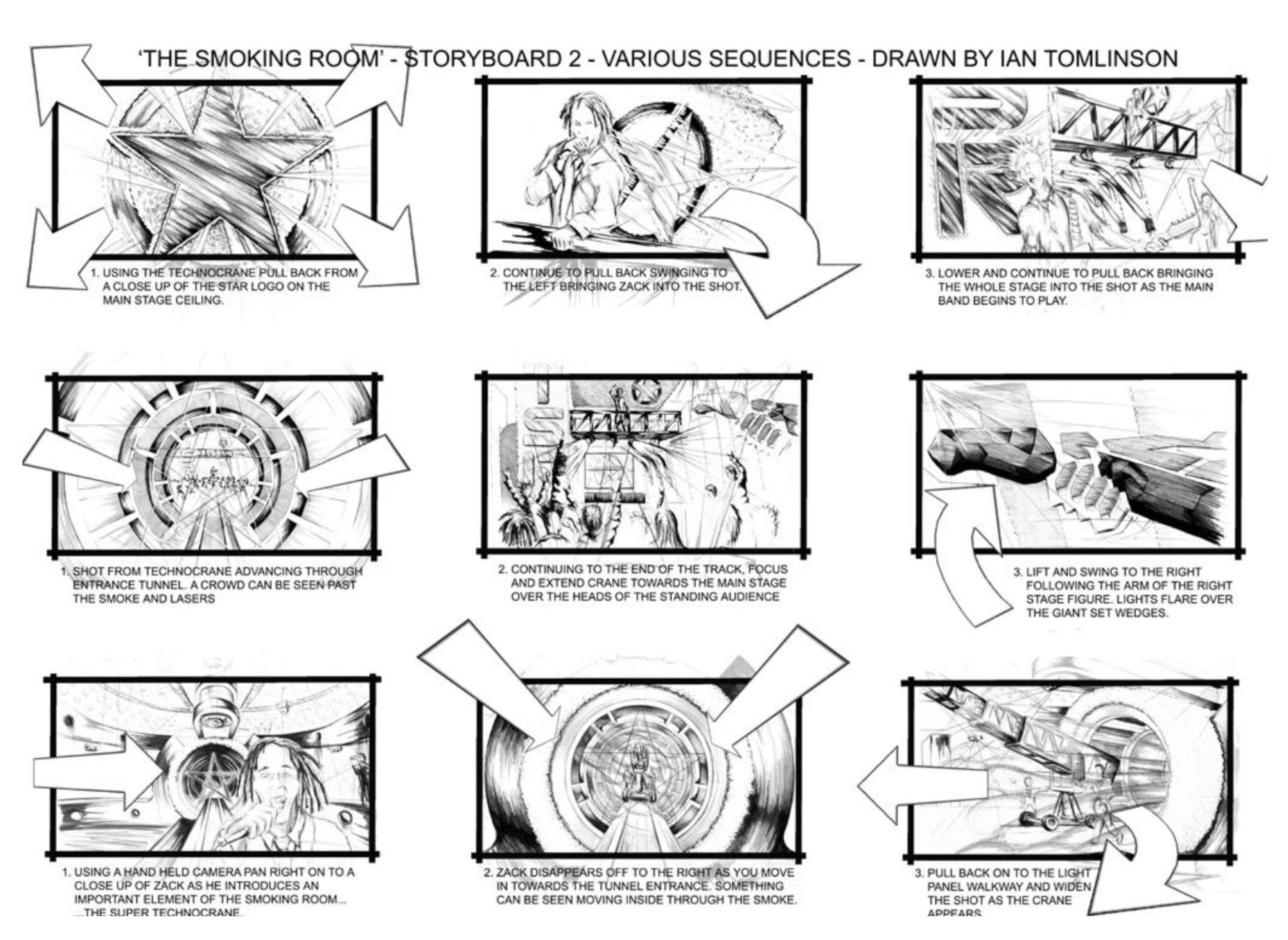
You can use a shot list to illustrate the camera angles that will occur in a scene. IE: Close up, two shot, mid shot, POV.
Ultimately, these storyboards are there as a guide so that you as the director do not have to make up scenes on the fly. The storyboard is a guide so that when you are on location you save time.
Storyboard Testing
Have you ever had an idea but did not know if it is a good one? Or maybe you want to write an idea but do not 100% know how to articulate it in the best way, or most efficient way as to convey the point in the best way possible. Maybe you have an idea and are just not sure how that idea could be interpreted.
The same thing can happen when telling a story. This is true for all areas of video production. It is not limited to just the regular tv show or movie kind of setting. This is true for social media, advertisements and so on.
This aspect can also be further broken down from a broad audience spectrum down to smaller demographics.
Let’s say you have a target audience. Perhaps you as a marketer have an idea for a commercial for social media and there is a specific message in the content of the commercial that you will use to target the audience of this particular niche. How will this message be received?
This is where testing can come into play.
Storyboard testing is done when you are in the beginning phase of a project, have an idea but need to test that idea and get feedback from users. This allows you to refine your ideas and the message you are trying to convey.
Test Renders
Another thing you will need to often do is test renders. These are low fi low resolution renders of video but allow you as the producer and production team to see how things could look in the final. These are meant to be a quick render to check things as you develop.
Categorised in: Lectures, MMDD 102
This post was written by amax