MMDD 102 – Class Intro
April 7, 2024 7:45 pm Leave your thoughtsMotion Design 1
Class Intro
Welcome to Motion Design 1
During this semester we will be covering a multitude of aspects of aftereffects and animation within the program. Some of the things we will be covering:
- An overview of motion
- Intro to after effects
- Creating motion in after effects
- Motion in the world around us and communicating motion
- Using masks and video to create VFX elements
- Using the presets in After Effects
- From storyboard to video
- Deeper motion
- Typography in motion
- Audio in After Effects
- Rough cut screening
Overview of Motion
What are motion graphics? Well we take graphics, and we put them into motion. Easy enough!
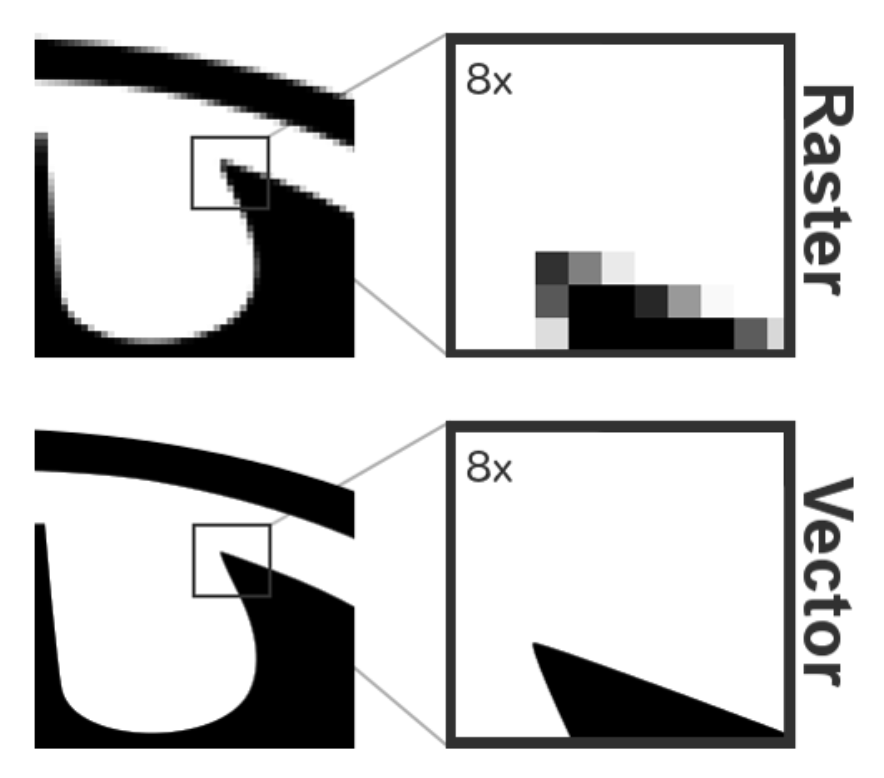
With programs like Adobe Illustrator, Photoshop or even within After Effects, we can make graphics, whether we need vector graphs (which use mathematical paths to generate graphics, produced in Illustrator) or pixel generated raster images (as the ones produced in Photoshop.)
We can move one step further and animate those images to create video. We do this with AfterEffects.
Timelines
How does it work? We use time and keyframes. As you know when it comes to the basic laws of the universe. Time is what allows us all to be animated living creatures. Without time, we would not exist (at least as we know it). Time allows us to exist and move within this 3+1D space we know as the spacetime continuum IE the universe as we know it.
The same principle can be applied to motion graphics. When we create graphics in photoshop, illustrator or any other image generator, we create 2D images. After effects allows to add a new dimension to our 2D images and animate them through time, using the timeline.

In aftereffects we can create (and edit if needed) a timeline to whatever length we need to, from there we can start animating. To do this we use keyframes.
A keyframe is a moment in time where something happens, usually the 1st keyframe will be an element being in the original state for example, some text that is made to be 0 opacity then the second keyframe, would be it 100% so it fades in to make a simple animation.
Physics
When things in the real world move about, there are usually subtle movements that happen. When we animate things we should consider this. Let’s think about this for a second. What we are talking about here is physics.
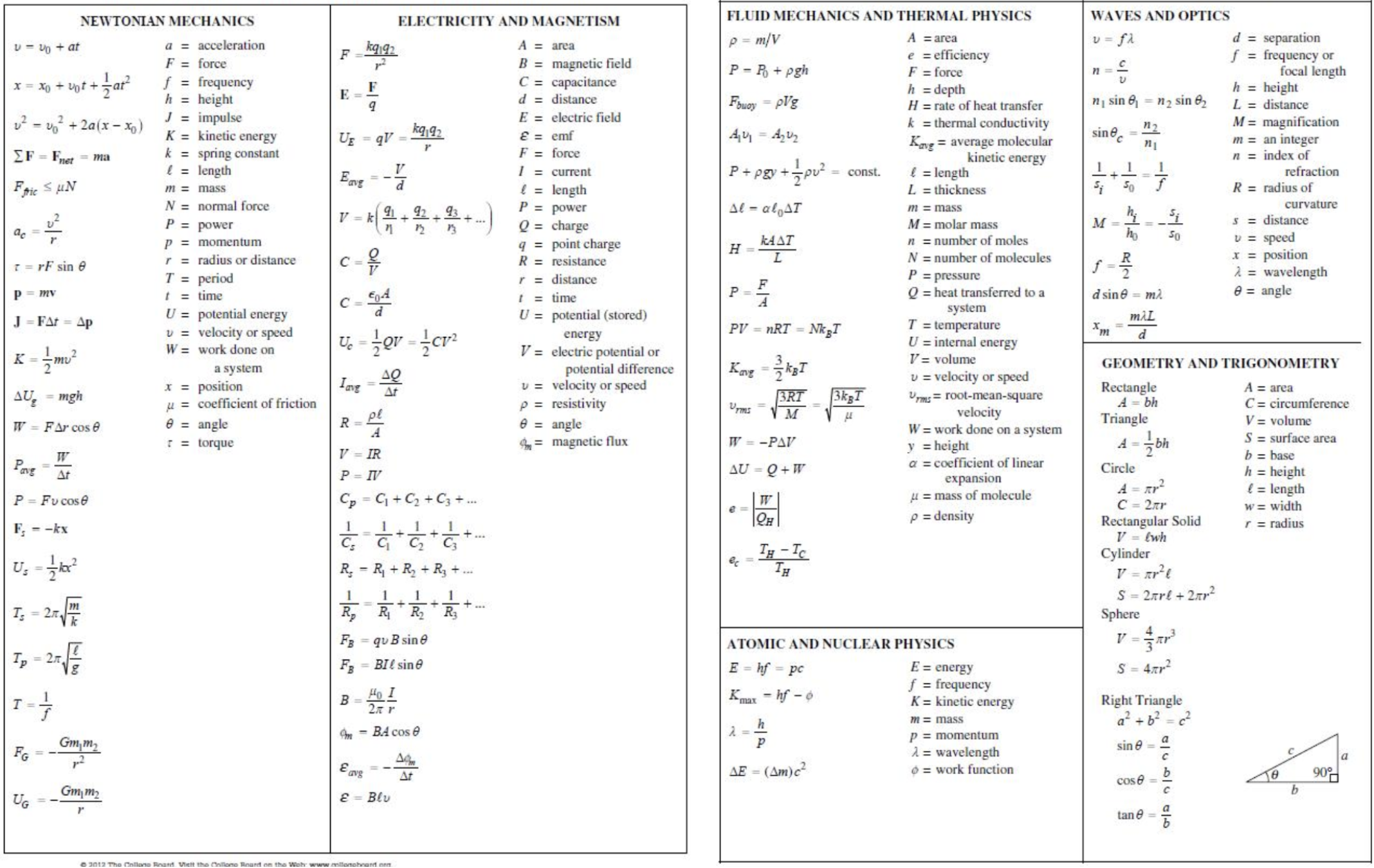
We don’t need to be this complicated though. Whether we are animating a ball rolling or bouncing, a car driving or whatever. We all know how physics of the real world works because we observe it daily.
Think of the car driving example, what are things we would animate? On a basic level we could just animate the car moving. But there are levels to this. We could animate the wheels spinning, the car itself would bounce as it drives on the road. At least those 2 things we could add, but we could go deeper and deeper to add more detail within the one animation right? We could add animated shadows to further the illusion of movement, we could add an animated background as well. We could even add a driver in the car if the image could accommodate this and even add details down to the tiny micro movements in the steering wheel that happen when you drive.
It just depends on how far you want to go with it. But adding more layers detail make the animation better these levels of detail make for an animation that better reflects the real world and real physics of motion.

Acceleration/Deceleration
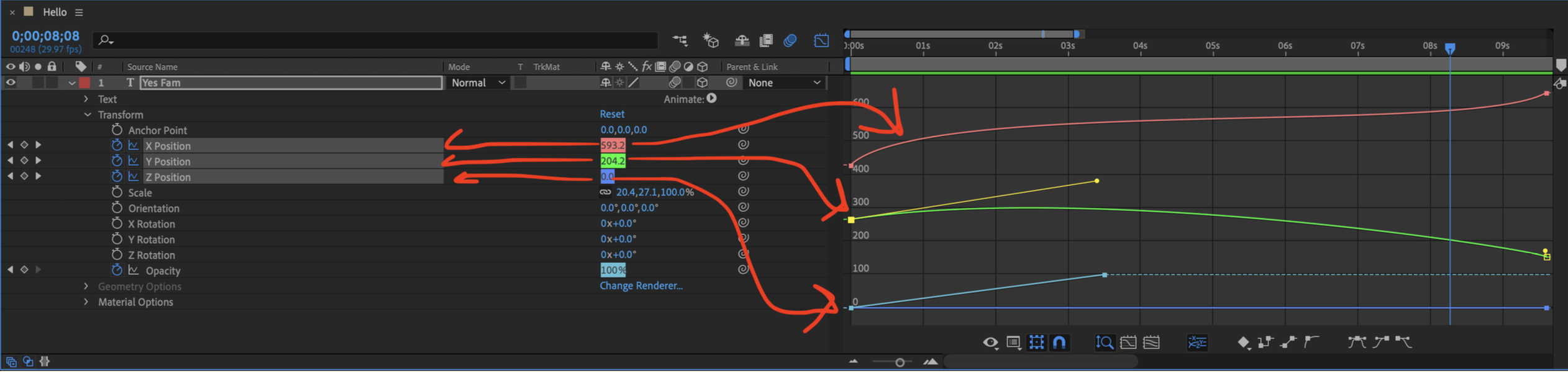
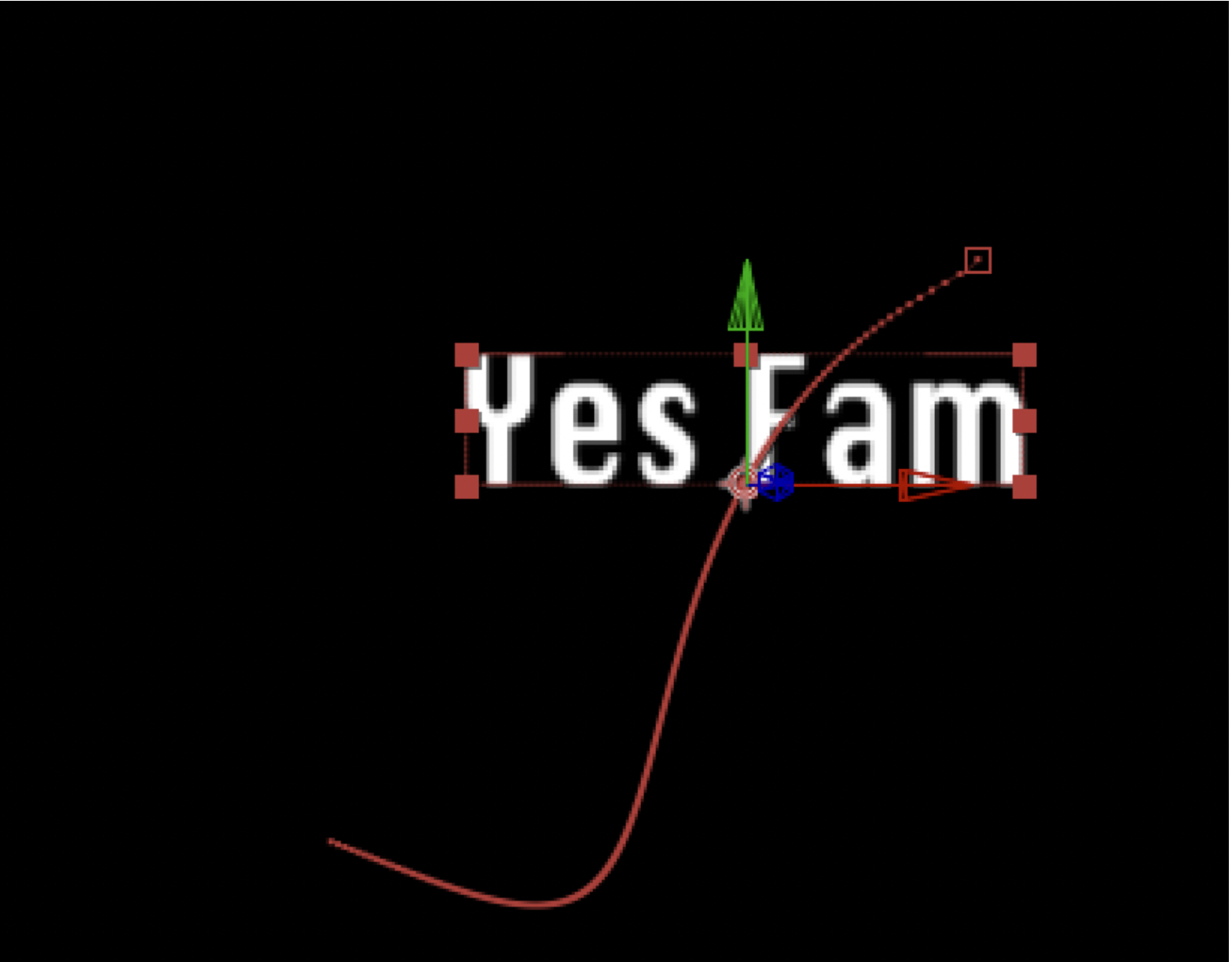
We can use the graph editor to fine tune our animations to change the way they behave, we can change the timing function (ease) or customize it.
Anticipation/Secondary Actions
Anticipation is used to prepare the person watching for what comes next. This is something humans naturally observe in nature. For example you know that if you see someone sitting down, and the person begins to move in a way that we naturally know what looks like they are about to get up looks like, you will naturally anticipate they will complete this action. This is based on body language and other factors. But all in all, we just “know what that looks like.
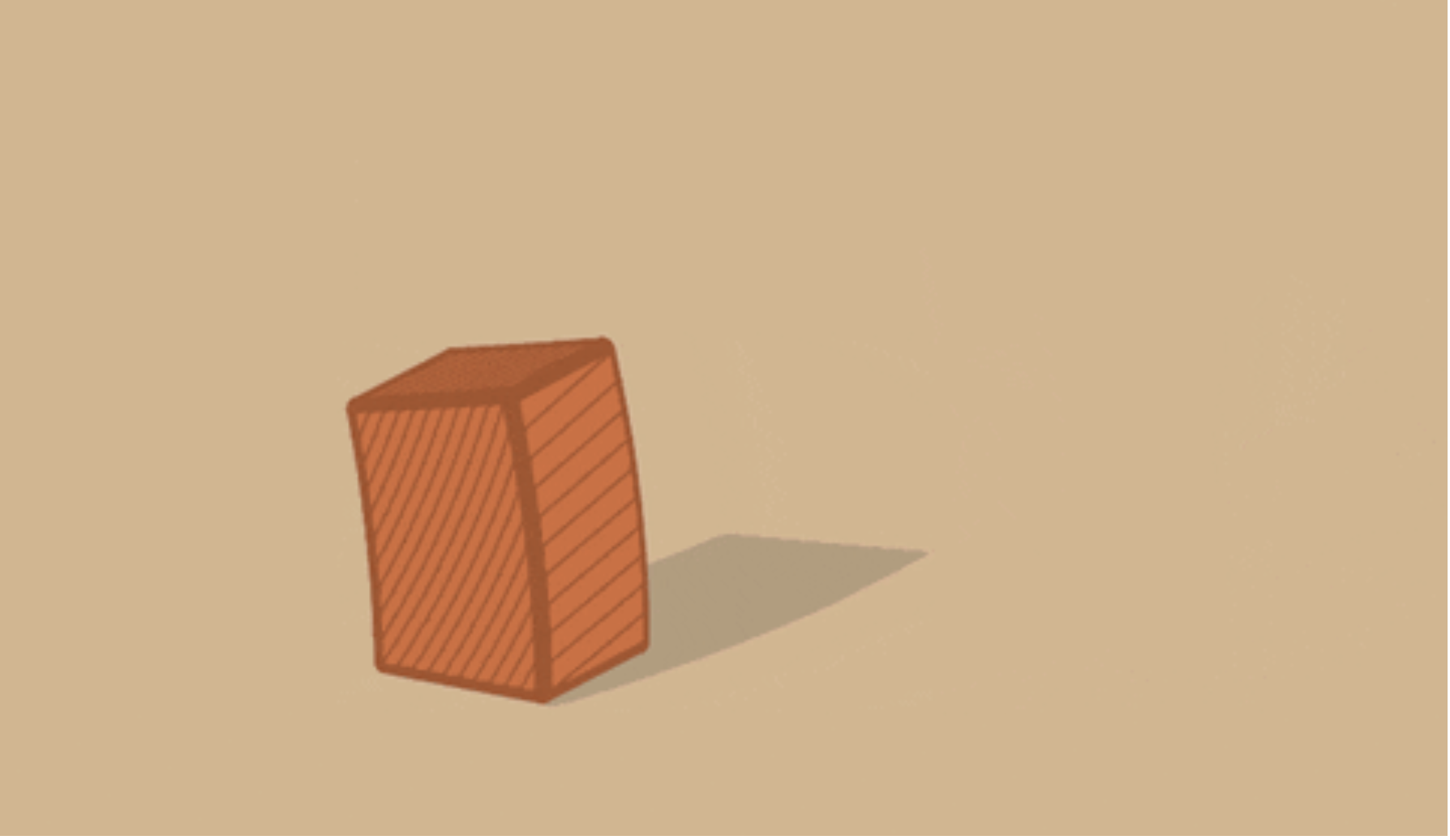
To put it simply, a secondary action is an action that supports the first (main) action. We touched on this a little with the car example. Let’s explore a different example. Take a look at this gif here, what is the primary action? What is the secondary action?
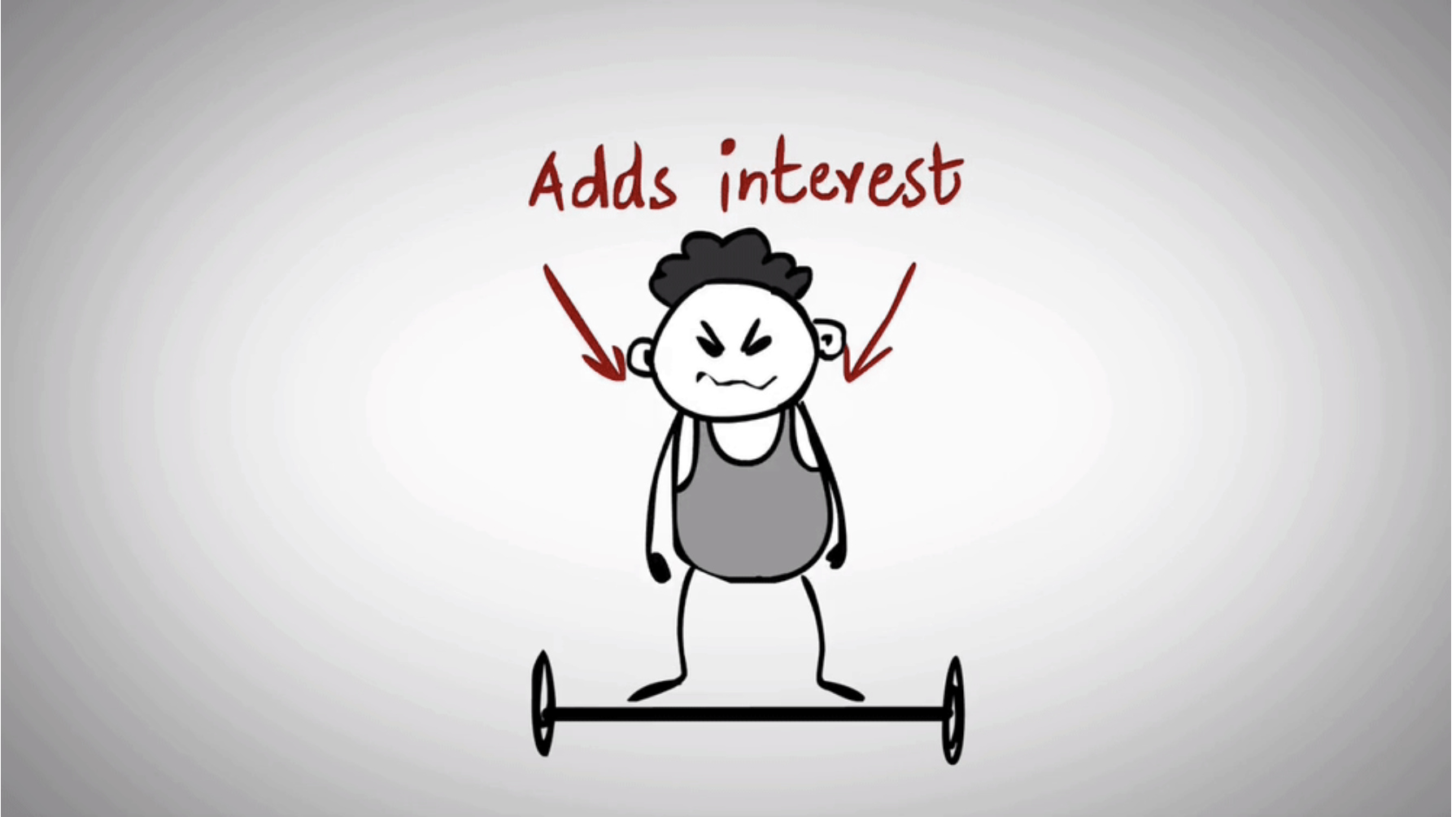
The lifting of the weight is the whole point of the animation, but the rolling up of the sleeves lets you know that this character is determined to lift that weight. This is what a secondary action does. It adds further depth to the animation and gives the person viewing it a level of depth and adds interest to the animation. This is the secondary action.
Note: The secondary action should not be more interesting than the animation itself.
Easing
Easing is what we use to change the behaviour of any given animation from start to finish.
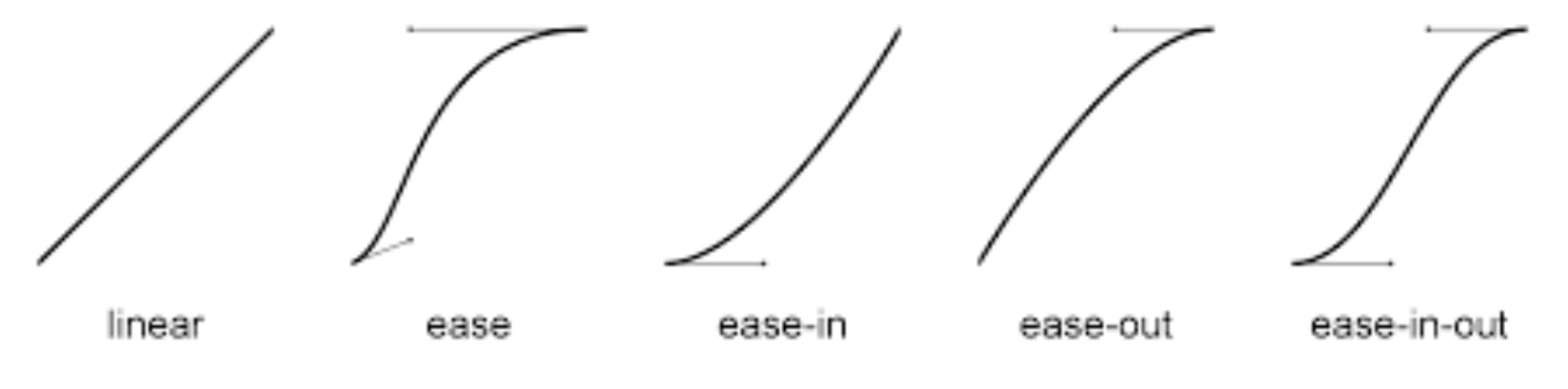
- linear
- ease
- ease-in
- ease-out
- ease-in-out
Or a more visual example:
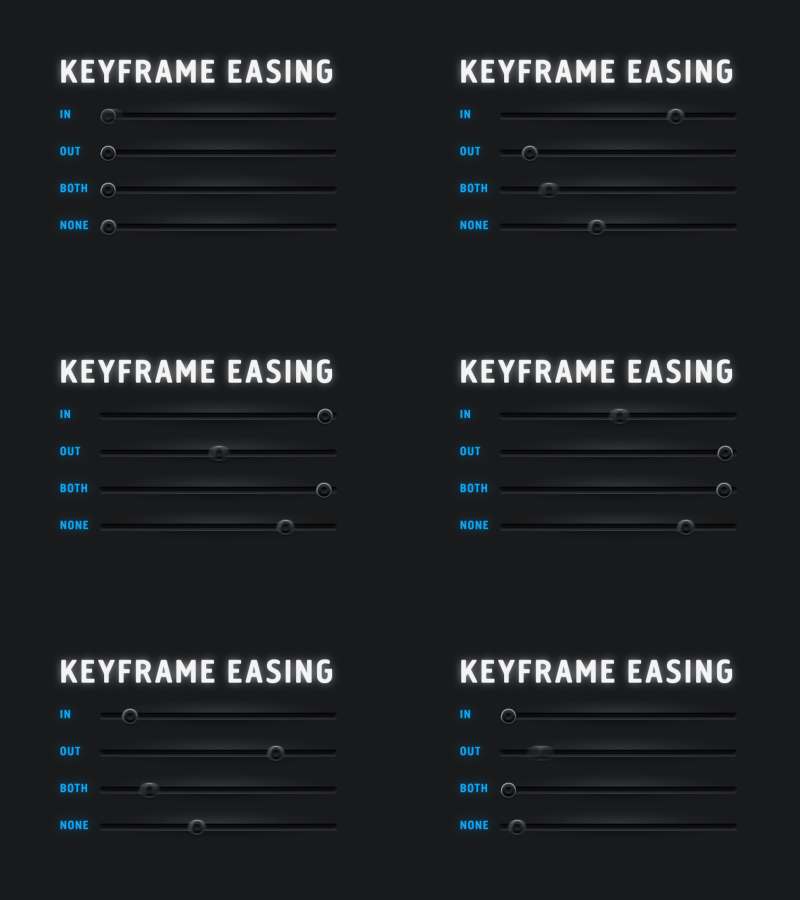
Simply, easing allows is to change the animation curve we can ease in, ease out, ease in and out, leave it linear or customize it!
Motion Blur
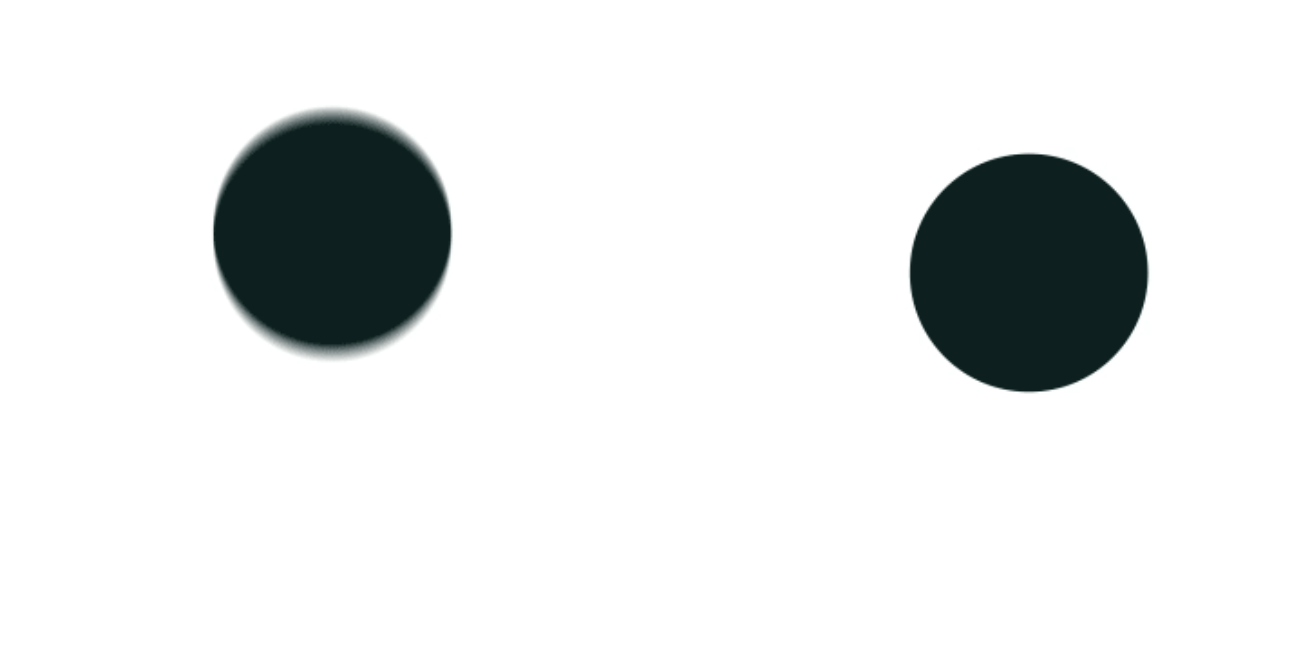
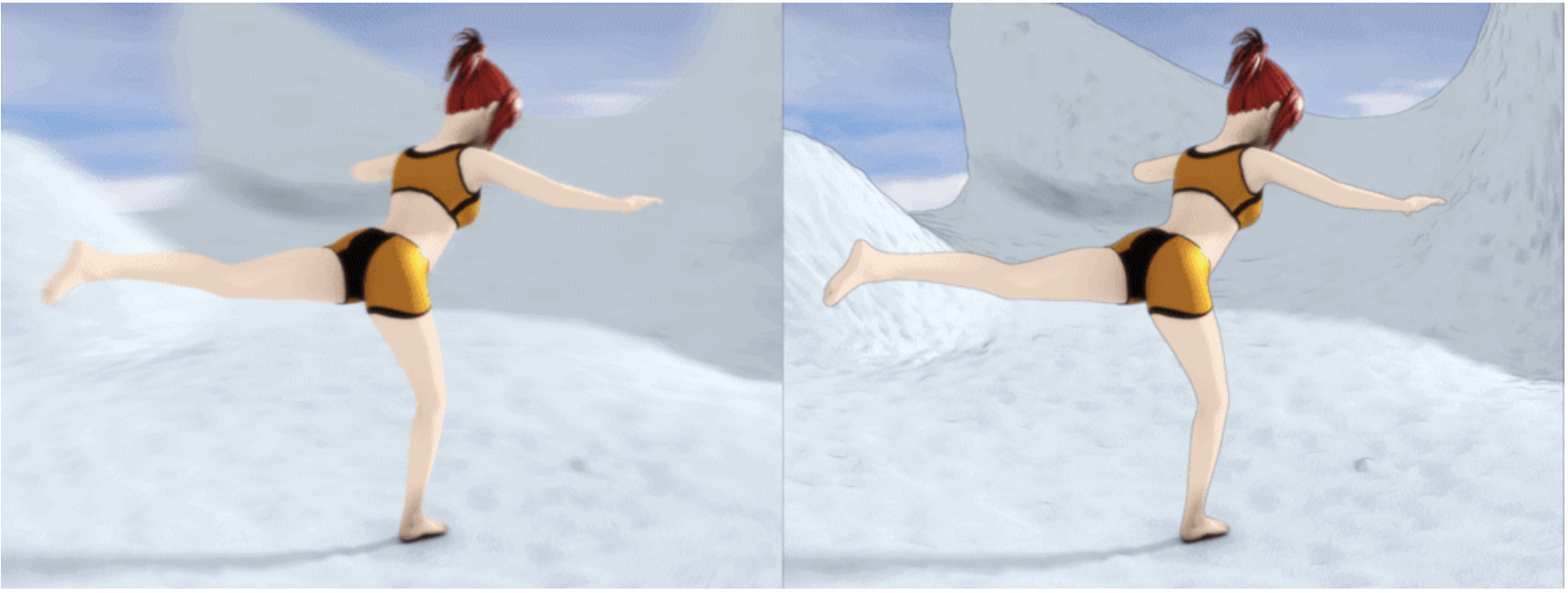
When an object is moving it causes a motion blur when a camera records it. Depending on the animation we are making, we may want to add motion blur to make it look better. This motion blur is not natural like in a still photo, rather it is artificially created by the program but gives us the same effect. The goal is to make our animations look as natural as possible and not “mechanical”. Motion blur can help with this.
Categorised in: Lectures, MMDD 102
This post was written by amax